Construction Scheduling Software
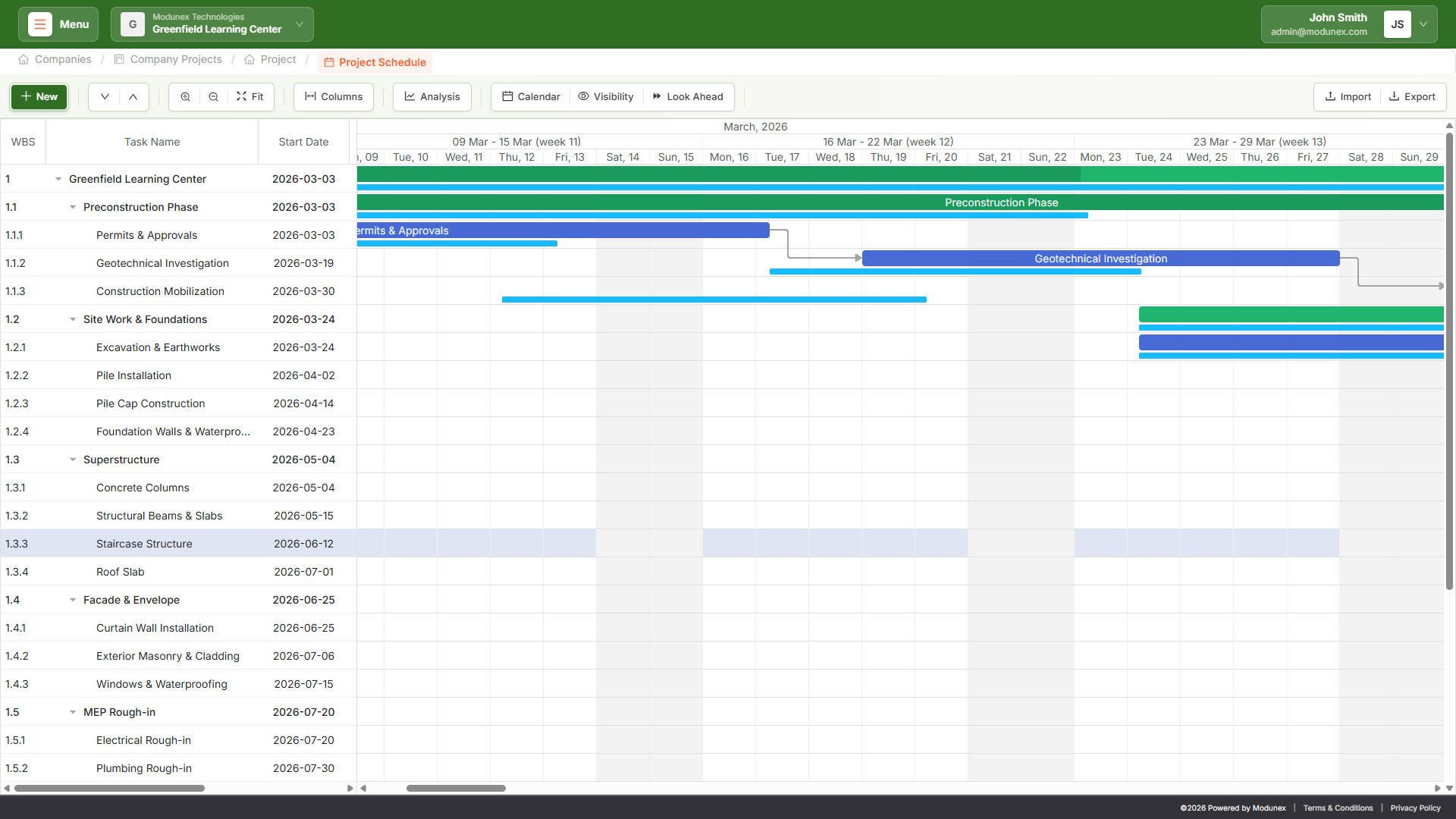
Plan, control, and optimize construction timelines with dynamic Gantt charts, critical path analysis, and real-time progress tracking built specifically for multi-company construction environments.
Connect schedules directly to BIM models, RFIs, tasks, and field updates to ensure that planning reflects real project conditions. Assign responsibility across trades and companies, manage dependencies and constraints, monitor delays, and maintain a complete audit trail from baseline to final completion.
What Is Construction Scheduling and How It Works
Construction scheduling is the structured process of defining, sequencing, and controlling project activities to ensure a construction project is delivered on time and with full accountability.
In Modunex, scheduling follows a connected and permission-based lifecycle:
Unlike isolated scheduling tools, Modunex ensures that planning reflects real project conditions by integrating schedule management with coordination, design clarification, and execution tracking. This structured approach reduces coordination risk, improves accountability across companies, and creates a single source of truth for time management.
Flexible Project Calendars and Automatic Time Calculation
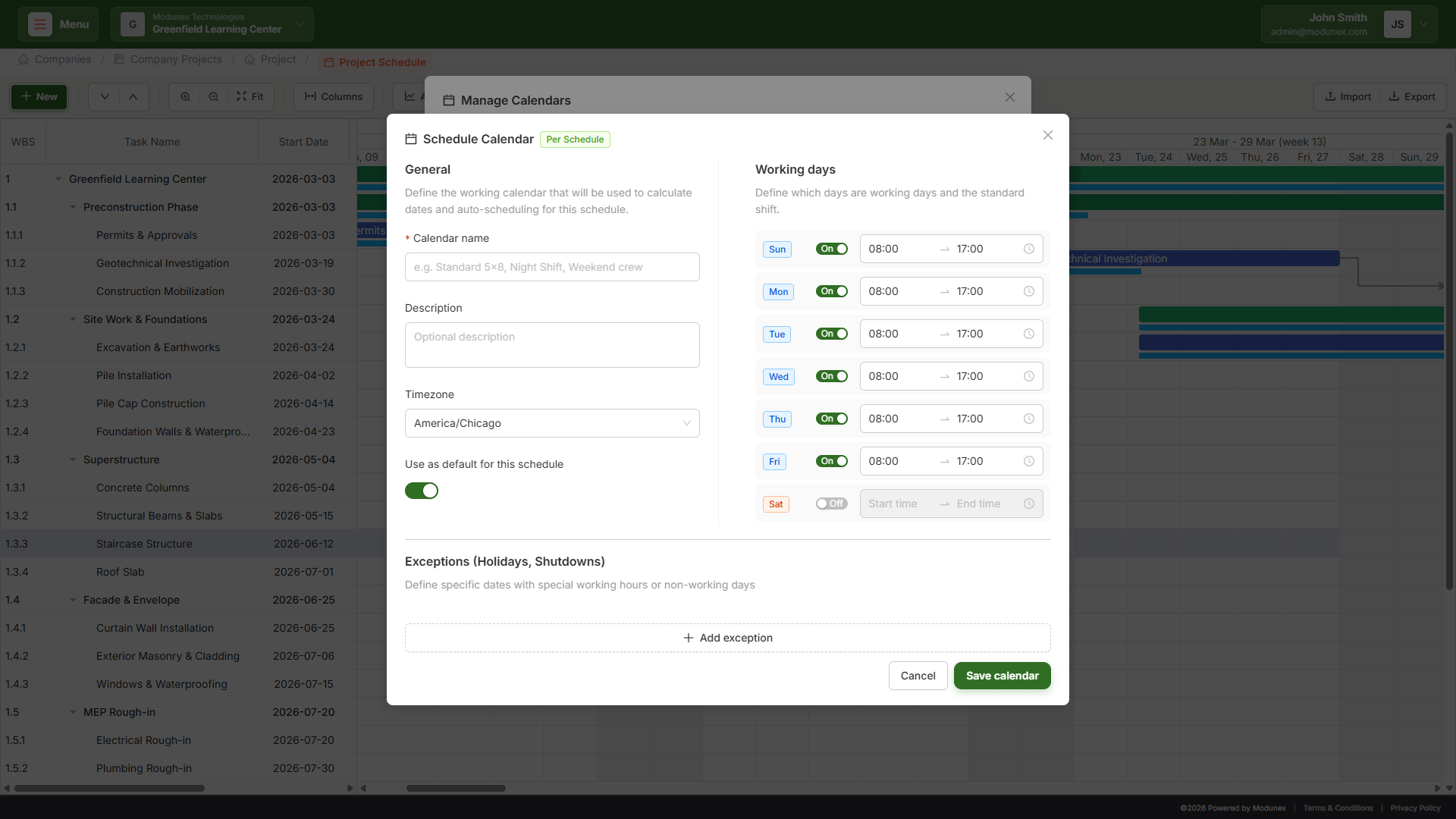
Accurate scheduling starts with realistic working calendars.
In Modunex, calendars define how time is calculated across the entire project, ensuring that durations, dependencies, and deadlines reflect actual working conditions. Calendars can be fully configured and managed within each schedule:
When a calendar is assigned, task durations and delays are automatically adjusted using actual working days.
Baselines and Look-Ahead Planning by Project, Trade, or Responsibility
Not all schedule control follows the same structure.
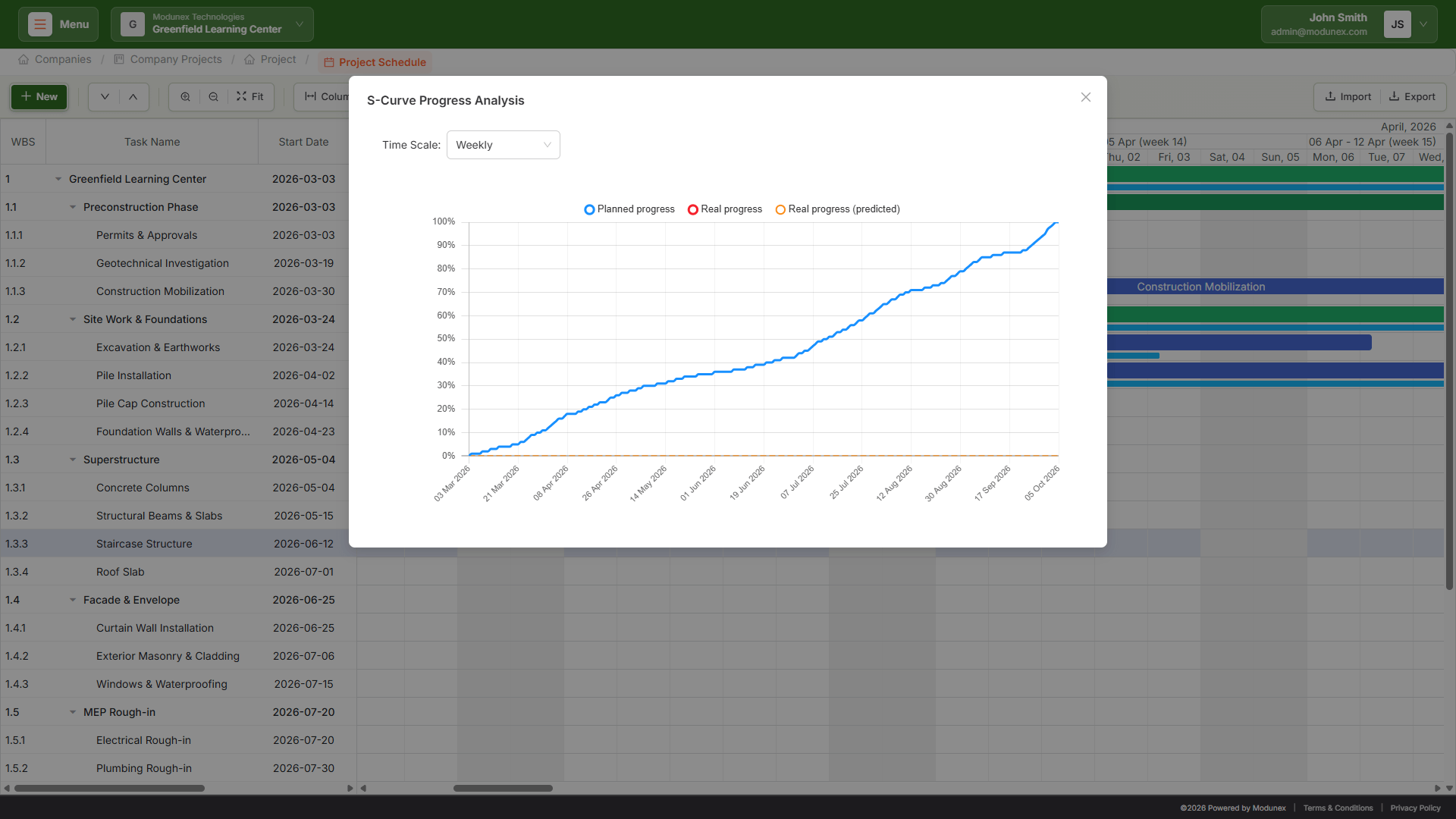
Modunex allows teams to manage baselines, look-ahead planning, and performance analysis dynamically based on project context, including approved schedule baselines for executive control and three-week look-ahead views for field coordination.
Each project can manage multiple planning perspectives simultaneously, reflecting how construction scheduling actually operates in the field.
Connected Trade Schedules with a Unified Master Plan
Construction projects require multiple teams to plan independently while remaining fully aligned.
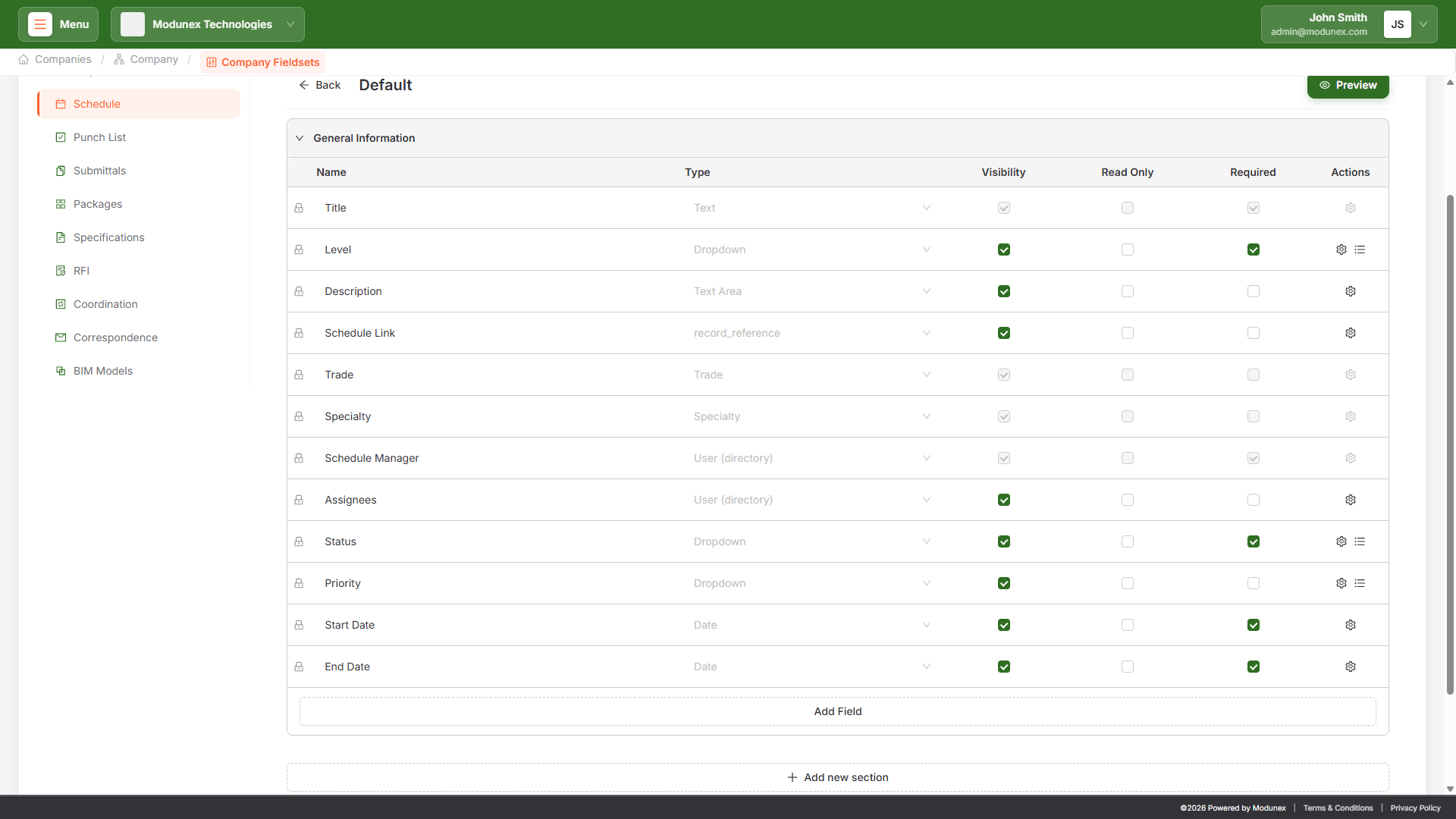
Modunex allows each trade or specialty to manage its own detailed schedule while automatically connecting all activities into a centralized master schedule.
Independent planning. Centralized control. Collaborative execution.
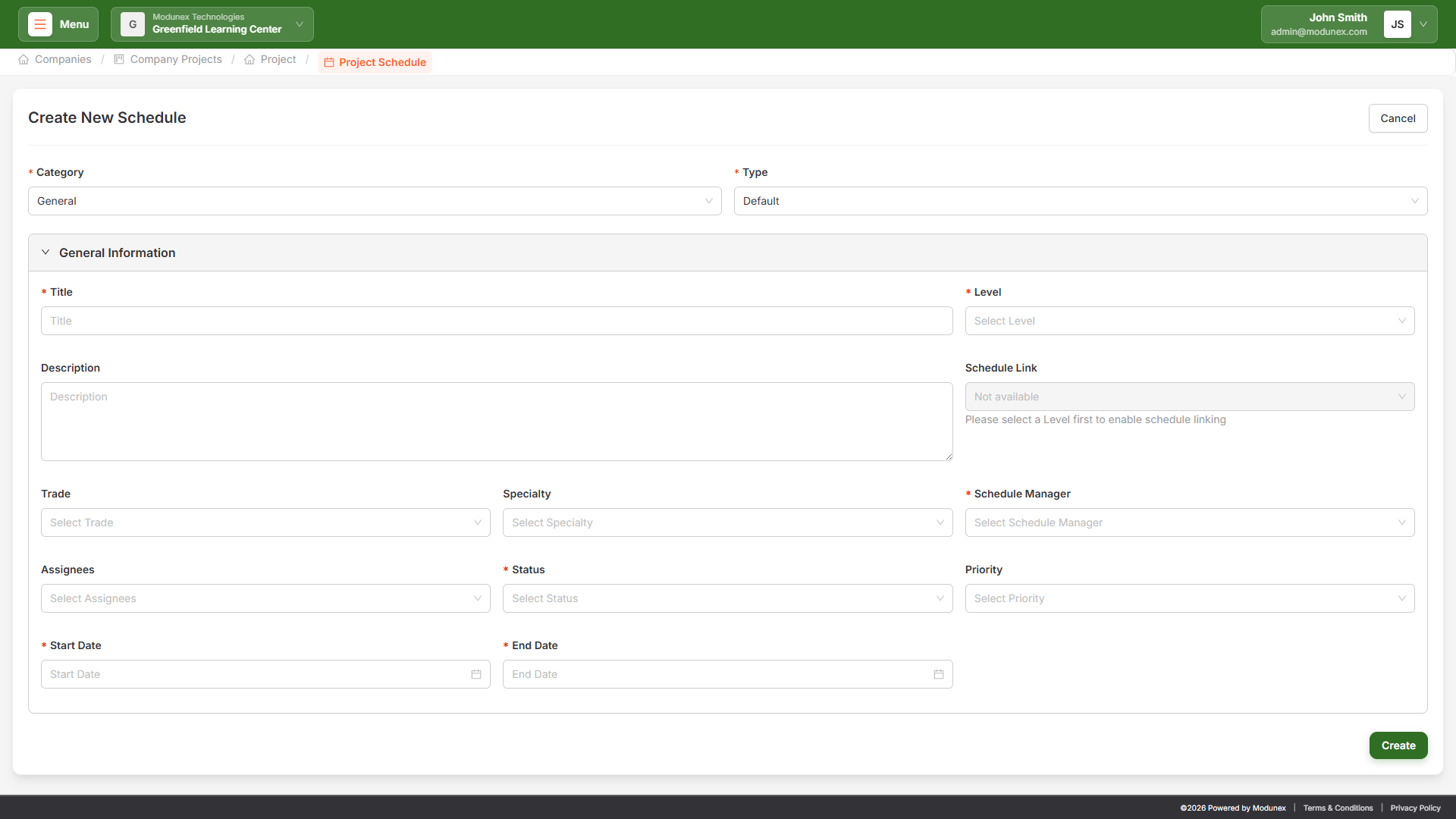
What Makes Modunex Construction Scheduling Different
Most scheduling tools focus on charts. Modunex focuses on control, accountability, and real project coordination.
Modunex doesn’t just create Gantt charts — it transforms scheduling into a structured, connected planning system that aligns teams.
Frequently Asked Questions
Start planning your projects with control and precision
Book a discovery call and see how Modunex transforms your scheduling process.